
Construction ERP Software Singapore
Construction ERP Software Singapore: From BOQ to Final Claim
Digital 9 Labs builds the construction ERP software Singapore contractors, main-cons and sub-cons run their projects on: BOQ-based quoting, progress claims with retention, subcontractor management, variation orders, and project costing checked against budget while the job is still live.
Custom enterprise resource planning (ERP) software, built for Singapore SMEs. From $3.5k onwards.
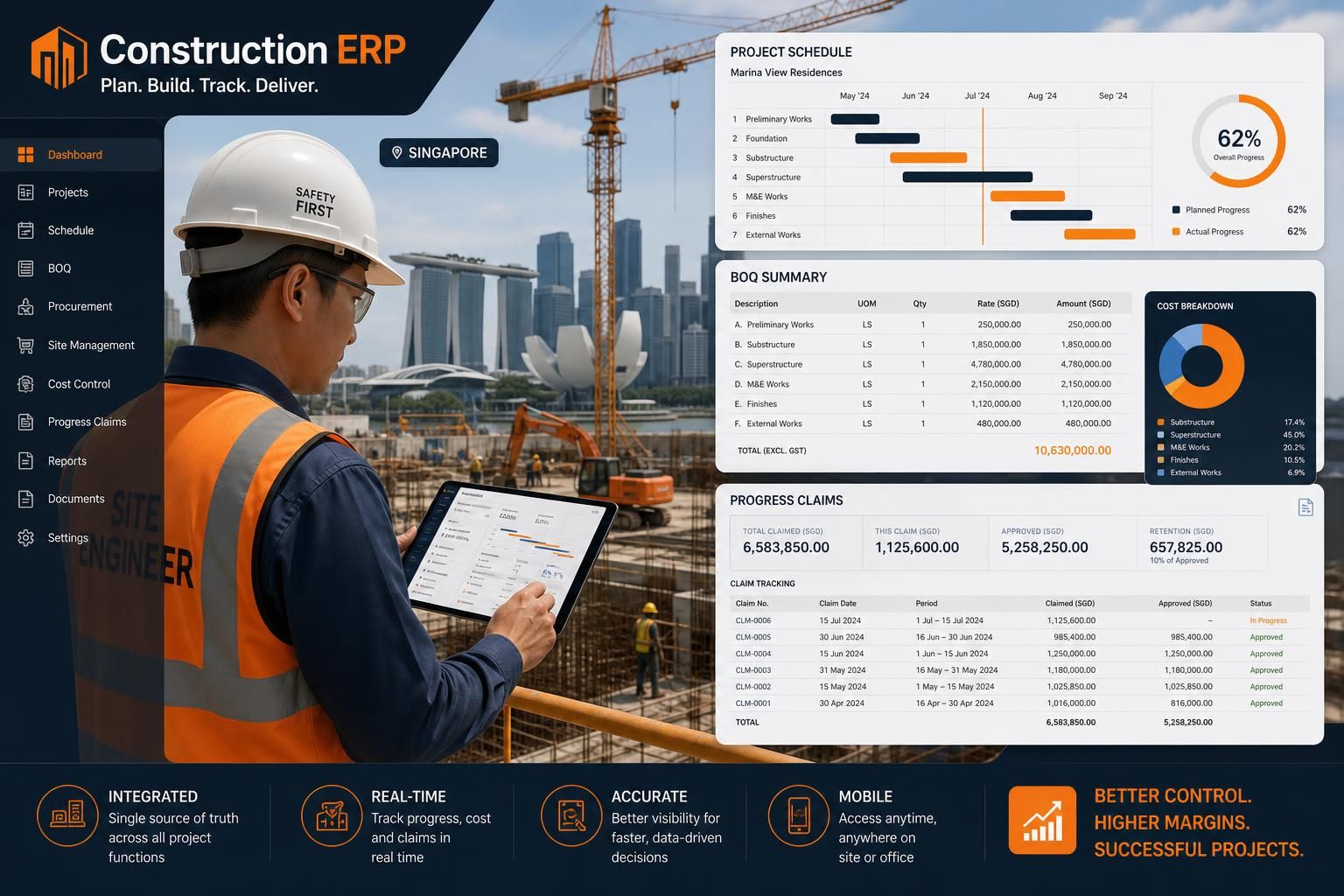
BUILT AROUND REAL OPERATIONS
One workflow. Fewer handoffs.
Design Suite Labs
A custom ERP for Singapore interior-design studios, connecting quotations, contracts, projects, procurement, billing and commissions.
Renovation workflow example. Your BOQ, certification and retention rules are scoped separately.
Explore this project →
Progress Claim and Retention Calculator
Work out the net payable on a progress claim, how much retention is being held, and what is released at completion. Nothing is sent anywhere: the figures stay in your browser.
Your figures
The awarded contract value, excluding GST.
Cumulative percentage of the works completed.
Cumulative percentage certified in earlier claims.
Unfixed materials claimed this cycle, if your contract allows it.
Net value of VOs approved to date.
Commonly 5% or 10%. Check your contract.
Maximum retention held, as a share of contract sum.
This claim
| Contract sum plus approved variations | S$1,240,000.00 |
|---|---|
| Gross value of work done to dateIncludes materials on site | S$583,000.00 |
| Less previously certified (gross) | − S$372,000.00 |
| Retention held to date | − S$29,150.00 |
| Retention withheld this cycle | − S$10,550.00 |
| Net payable this claim | S$200,450.00 |
Retention release
- Held to dateS$29,150.00
- Typically released on completionS$14,575.00
- Released after the defects liability periodS$14,575.00
- Still to claim on this contractS$657,000.00
A half-on-completion, half-after-defects split is the common arrangement, but retention rates, caps and release triggers are contract terms and vary per job. Check yours before relying on these figures.
This is the arithmetic every QS repeats each cycle in a spreadsheet. In a construction ERP it runs off the BOQ automatically, carries the previously certified figures forward, and keeps the retention ledger per project so nothing is released twice or forgotten.
Start with one claim cycle.
Walk us through your BOQ, valuation, previous certificates and retention terms. We’ll scope the first workflow around the rules your team actually uses.
Focused modules from S$3.5k
A starting point for a scoped module, not a price for an entire construction ERP. Migration, integrations and extra modules are quoted explicitly.
Agree the rollout
Review the data and approval rules first. Confirm scope, acceptance checks and a delivery timeline in the proposal.
Keep finance connected
Define how approved claims and costs reach your accounting system, and who checks the handoff.
Where Singapore SMEs feel stuck
Most off-the-shelf ERP software is built for someone else's workflow. We design around yours.
BOQ vs actual costs are invisible
By the time finance reconciles, the project is already over budget. You need cost visibility while the work is happening, not after.
Progress claims drag for weeks
Site, QS and finance pass spreadsheets back and forth. Claims to main-cons or developers get delayed and cashflow tightens.
Subcon back-charges get lost
Variation orders, back-charges, and retention sums live in WhatsApp and email — and quietly eat into margins.
Permits & safety docs scattered
MOM permits, PTW, toolbox briefings and safety inspections live across folders, drives and clipboards.
No mobile-first tool for site
Site supervisors don't want to log into a desktop ERP. They need fast, tablet-friendly capture from the site office.
Multi-project reporting is painful
Management wants a single view of all live projects — billed, claimed, cost-to-complete — and it doesn't exist.
What we build into your ERP
Pick the modules that match how your team actually works. Everything connects to a single source of truth.
Project & BOQ Management
Set up projects with BOQ items, budgets and milestones. Track committed cost, actual cost and cost-to-complete against budget, live.
Progress Claims
Generate progress claims against BOQ items by percentage or quantity done, with retention handling and PDF export.
Subcontractor Management
Subcon contracts, work orders, claim certification, back-charges and retention tracking.
Procurement & Materials
Material requisitions from site, PO approvals, GRN, and matching to project cost codes.
Manpower & Timesheets
Site headcount, work permit expiry, daily timesheets and labour cost allocation per project.
Safety & Compliance
PTW, toolbox meetings, inspections and incident logs — all linked to the project and audit-ready.
Variation Orders
VO requests, approvals, cost impact, and automatic update to BOQ baseline.
Site Mobile App
Tablet- and phone-friendly views for supervisors — capture deliveries, photos and progress on site.
Management Dashboards
Multi-project view: billed, claimed, costs incurred, cost-to-complete and forecast margin.
How we deliver
Project workflow review
We walk one live project end-to-end with your QS, PM and finance team to map the real handoffs.
Build the first module
Usually BOQ + progress claims, or procurement + subcon — shipped within 6–8 weeks on your domain.
Roll out & expand
Add safety, manpower, VOs and management dashboards as the team gets comfortable with the system.
Construction ERP vs Spreadsheets and WhatsApp
Spreadsheets + WhatsApp project tracking
- BOQ, claims and costs live in separate files that drift apart.
- Progress claims are rebuilt manually each cycle, so retention and certified sums get miskeyed.
- Previously certified figures are rekeyed by hand every cycle.
- Retention is tracked per project, if at all, and never as a portfolio ledger.
- Subcon back-charges and VOs are agreed in chat with no paper trail.
- Committed cost is invisible until the supplier invoice arrives.
- Only the person who built the sheet fully understands it.
- Two people edit different copies and both believe theirs is current.
- Site captures progress on paper, then someone retypes it in the office.
- Work permit expiry sits in an HR folder, not against the project.
- Management only learns a project is over budget at final account.
- Closing out a job means reconstructing history from email.
Digital 9 Labs construction ERP
- One BOQ baseline drives quoting, budget, claims and cost tracking.
- Claims roll forward from the last certified cycle, with retention applied automatically.
- Previously certified sums carry forward from the system, not from memory.
- Retention is a live ledger across every project, including what is due for release.
- Every VO, back-charge and certification is recorded against the project with a date.
- Committed cost appears at purchase order, not at invoice.
- The same records are visible to QS, procurement, finance and management.
- One source of truth, with an audit trail of who changed what.
- Site captures deliveries, photos and requisitions on a tablet, once.
- Permit expiry surfaces as an alert against the project before it lapses.
- Cost vs budget per cost code is visible while you can still act on it.
- Final account is assembled from records that already exist.
Explore the construction ERP implementation guide
Modules, migration and the questions to ask before commissioning your system.
What a Construction ERP Should Cover
Six capabilities separate a construction ERP from generic project software. If a system cannot do these, your QS will keep a spreadsheet alongside it, and the spreadsheet will become the real source of truth.
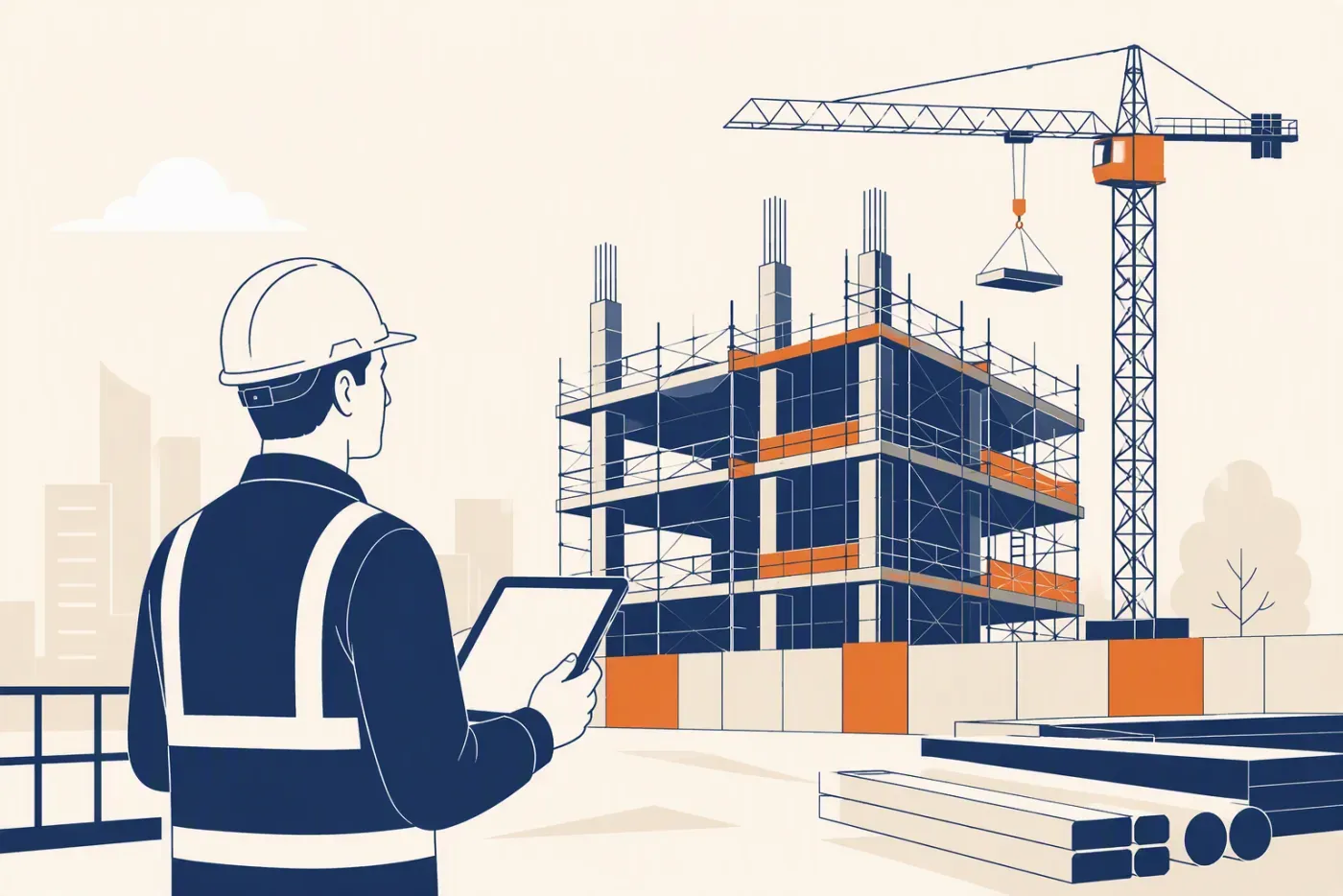
BOQ-based quoting
Price tenders from a reusable BOQ line item library with your own rates. When you win, the same items become the project budget without retyping. A 400-line BOQ retyped into a budget sheet is 400 chances to transpose a rate.
- Rates library reused across tenders
- Won quote becomes the budget without retyping
- No transposition risk on a 400-line BOQ
Progress claims and retention
Claim against BOQ items by percentage or quantity done, carry forward previously certified sums, apply retention automatically, and track retention release after the defects liability period. The claim should roll forward from the last certified cycle, not be rebuilt each month.
- Claim by percentage or quantity done
- Previously certified carried forward automatically
- Retention applied and capped by contract terms
Subcontractor management
Certify subcon claims against their work orders, net off back-charges, and hold subcon retention the same way yours is held upstream. Most margin leaks happen in this gap between what a subcon claims and what was actually certified.
- Certify against the subcon work order
- Back-charges netted off before payment
- Subcon retention held the way yours is upstream
Project costing vs budget
Every PO, GRN, timesheet and subcon certificate posts to a cost code, so committed and actual cost sit next to the BOQ budget for each project. Committed cost is the number spreadsheets almost never capture, and it is the one that tells you a package is overrunning before the invoice lands.
- Committed cost visible at PO, not at invoice
- Every posting carries a cost code
- Cost-to-complete against the BOQ budget
Site-to-office workflows
Supervisors capture deliveries, progress photos and material requisitions on a tablet at the site office; QS and finance see the same records in town, the same day. Anything requiring a desktop login at 7am on site will not be used.
- Deliveries and photos captured on a tablet
- Material requisitions raised from site
- QS sees the same record the same day
Variation orders
Raise VOs with cost and time impact, get client sign-off, and update the BOQ baseline so claims and budget reports stay honest. An unrecorded VO is work done for free.
- Cost and time impact recorded before the work
- Client sign-off captured and dated
- BOQ baseline updated so claims stay honest
Where Construction Margin Actually Leaks
Contractors rarely lose money on the tender. They lose it in the six months after, through small gaps that each look immaterial on their own.
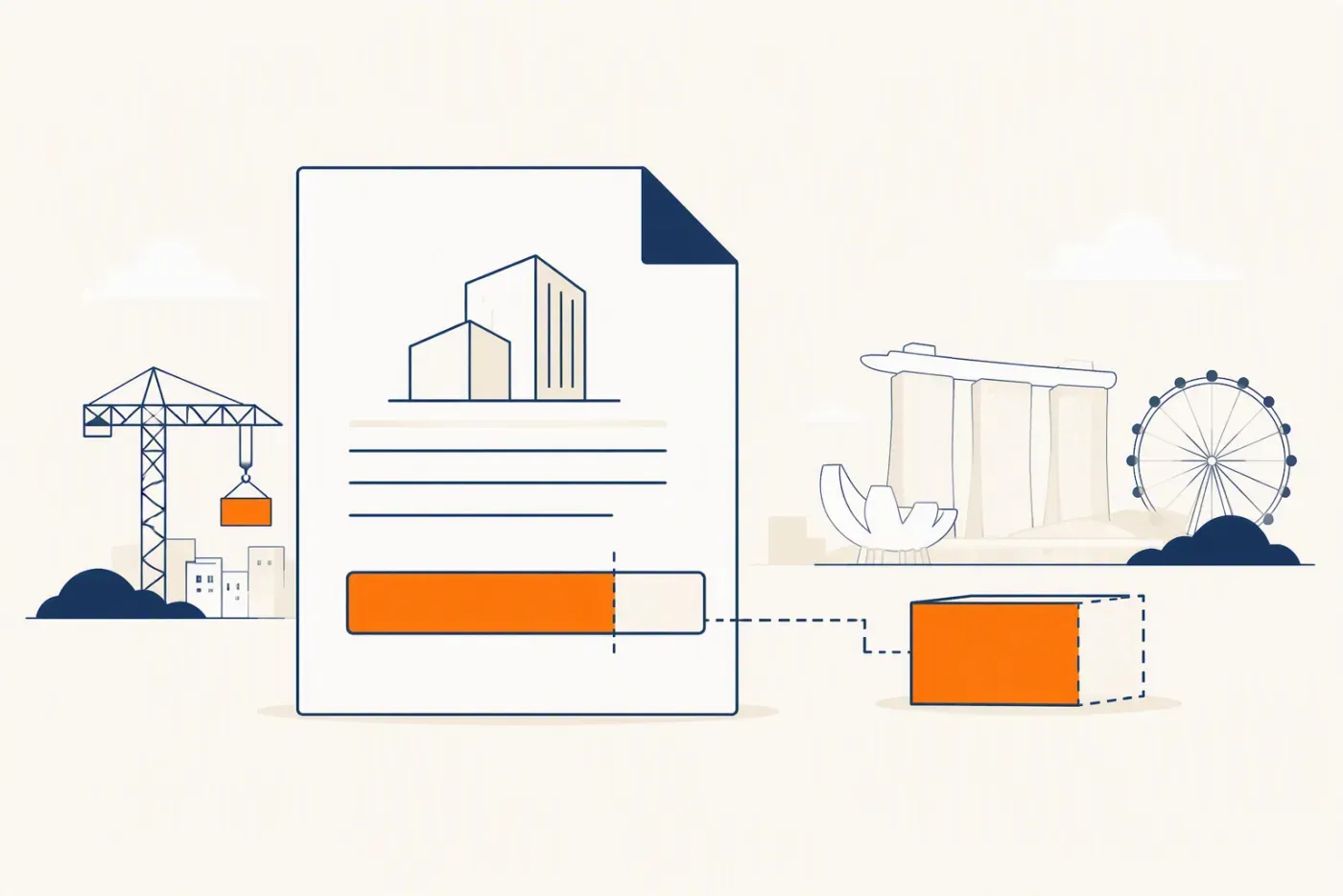
Claims submitted late
A claim cycle missed by two weeks pushes the certified payment into the following month. On a S$1.2m contract claiming 15% in a cycle, that is roughly S$180,000 of working capital sitting idle while wages and suppliers still get paid on time.
- A missed cycle pushes payment a full month
- Wages and suppliers still run on time
- Working capital sits idle for no reason
Retention nobody chases
At 5% retention on a S$1.2m contract, S$60,000 is held. Half typically releases at completion and half after the defects liability period. Firms running claims in spreadsheets routinely lose track of the second half across a dozen closed projects.
- Half typically releases at completion
- Half after the defects liability period
- Across ten closed jobs this is six figures
Back-charges never netted off
Rectification work done on a subcon's behalf gets agreed verbally on site and never appears on their next certificate. The cost stays with you.
- Agreed verbally on site, never documented
- Missing from the next certificate
- The cost quietly stays with you
Variations done before approval
Site does the work to keep the programme moving, the paperwork follows later, and by final account the client disputes it. Without a dated VO record with cost impact, the argument is unwinnable.
- Site proceeds to keep the programme
- Paperwork follows, or does not
- Disputed at final account with no dated record
Material wastage untracked
Deliveries received on site but never matched to a purchase order or a cost code make over-ordering invisible until the project is closed out.
Idle plant and manpower
Wet weather, a late permit or a delayed preceding trade leaves crews standing. Without daily timesheets posted against a project, the cost is absorbed into overheads instead of being attributed and claimed where legitimate.
Preliminaries under-recovered
Site office, hoarding, scaffolding and supervision are priced as prelims but rarely tracked against actual spend, so overruns are only visible at final account.
Defects rectification after handover
Work done during the defects liability period lands after the project is closed in the accounting system, so it never reaches the job's cost record.
A Worked Example: One Claim Cycle
The calculator above does this arithmetic live. Written out, here is why the retention line is the one that causes disputes.
The contract
A S$1.2m contract with S$40,000 of approved variations gives an adjusted contract value of S$1.24m. Retention is 5%, capped at 5% of the original contract sum, so retention can never exceed S$60,000.
The valuation
Work done to date is 45%, giving a gross valuation of S$558,000, plus S$25,000 of materials on site if the contract permits claiming unfixed materials. Gross to date becomes S$583,000.
The previous cycle
30% was previously certified, a gross of S$372,000. This is the figure that must roll forward correctly. Rekeying it is where most spreadsheet claims go wrong.
The retention
5% of S$583,000 is S$29,150 held to date, against S$18,600 held previously. Retention withheld this cycle is therefore S$10,550, and it is deducted from the payable, not from the valuation.
The net payable
Net to date is S$553,850 and net previously certified is S$353,400, leaving S$200,450 payable this cycle. One transposed figure anywhere above changes that number, and the certifier will find it.
The release
Of the S$29,150 held so far, roughly half typically releases on completion and half after the defects liability period ends. Across ten concurrent projects that is a six-figure retention ledger that needs owning.
Off-the-Shelf Construction ERP Versus a Custom Build
Both are legitimate. The question is whether your process is standard enough to adopt someone else's, or specific enough that you would spend the licence fee bending the software to fit.
When off-the-shelf is the right call
You run conventional main-con or sub-con workflows, you are willing to change your process to match the software, and you want to be live in weeks with a support contract behind you.
- Conventional main-con or sub-con workflows
- You will adapt your process to the software
- Live in weeks with a support contract
When a custom build wins
Your BOQ structure, claim format or certification chain is genuinely specific, you have workflows that no vendor module models, or per-seat licensing across site supervisors makes the running cost unattractive as you grow.
- BOQ or certification chain genuinely specific
- Per-seat cost across site supervisors bites
- Workflows no vendor module models
The licence maths
Per-user, per-month pricing compounds with headcount. Site supervisors, QS, procurement and finance all need access, and the seat count only goes up. A one-time build carries no per-seat tax as the team grows.
Implementation reality
The licence is rarely the whole cost. Implementation, data migration, customising modules that do not fit, and paid effort at each major version upgrade all sit on top.
What we actually do
Digital 9 Labs does not rebuild an entire ERP suite bespoke. We solve the two or three workflows that genuinely need solving, usually BOQ and progress claims first, alongside whatever you already run. A focused first module starts from about S$3,500 on a fixed quote after a workflow review.
- Two or three workflows, not a full suite rebuild
- First module from about S$3,500
- Fixed quote after the workflow review
Ownership
On a custom build the code is yours. No proprietary module lock-in, no forced upgrade cycle, and the system can be extended by any competent developer later.
Implementing Construction ERP: Week by Week
Illustrative sequencing for a first module. Dates slip, but the order rarely should.
Week 1: watch the work
We sit with the people doing the job and follow one real case end to end, recording every handoff and every place data is retyped.
- 2 to 3 hours of observation
- The doer, not the manager
- One real case, start to finish
- Handoffs written down
Week 2: agree scope and fix the quote
Scope comes from what we watched. The quote is fixed and the assumptions are written down so change is visible later.
- Scope from observation
- Fixed quote issued
- Assumptions listed explicitly
- Out-of-scope named
Weeks 3 to 5: build and show weekly
You see working screens with your own data every week rather than a demo at the end.
- Weekly working build
- Your data, not samples
- Feedback folded in weekly
- No big reveal at the end
Week 6: parallel run
The new system and the old process both run for one full cycle, and the outputs are compared rather than trusted.
- One full cycle in parallel
- Outputs compared line by line
- Rollback stays available
- Confidence earned, not assumed
Week 7: train by role
Short sessions per role on their own live records, then a follow-up after the first week of real use.
- 30 to 60 minutes per role
- Their own records
- Follow-up after week one
- Written quick reference
Week 8: go live and measure
Switch over, then measure the thing you said was costing you hours, so the second module is argued from evidence.
- Measure the original pain
- Compare to the baseline
- Decide module two on evidence
- No expansion without adoption
Trusted by teams across Singapore

Review my claims workflow
Tell us about the workflows you want to improve. We'll respond within 24 hours.
Frequently asked questions
What SME teams usually want to know before they commit to a custom ERP or workflow system.