
CUSTOM ERP & AI AUTOMATION · SINGAPORE
Less chasing.
More getting done.
Custom ERP software that connects your sales, stock, approvals and billing. Built around your team, so work keeps moving without another spreadsheet or follow-up message.
Talk to our Singapore team on WhatsApp.
- Start with one workflow
- Own your code & data
- Singapore-based team
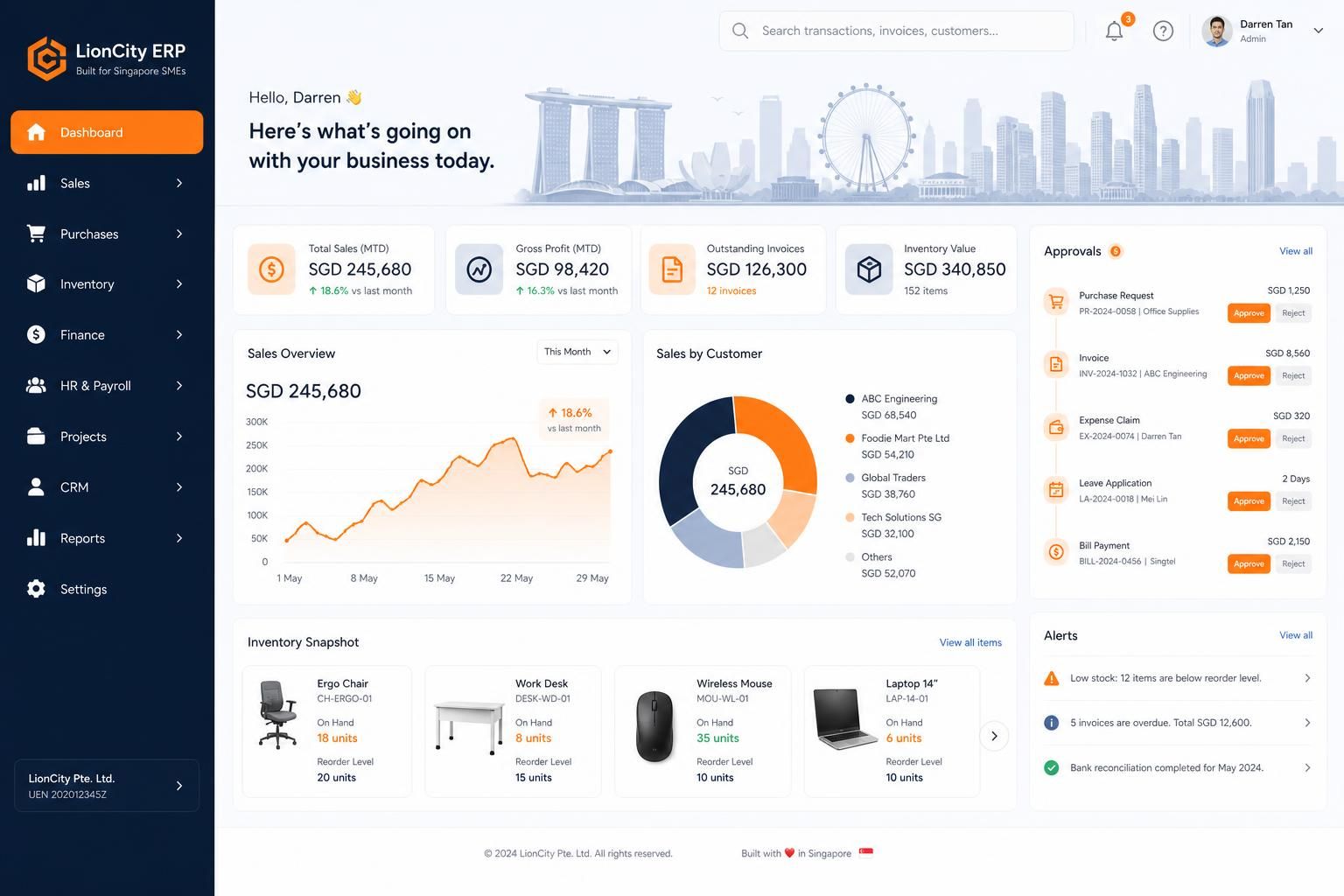
Find your starting point
Where could your ERP help?
Leave an email or phone number. We’ll contact you to understand the bottleneck and suggest a first step.
We use your details to respond to your enquiry. Privacy policy
Try a sample workflow
One view. Every handoff.
See how a job moves from a new request to delivery and invoicing. Your real system follows your team’s stages and rules.
New jobs
Kitchen fit-out — Tampines
Aircon servicing, 12 units
In progress
POS rollout — 2 outlets
Done & invoiced
Monthly maintenance — Ubi
Trusted by teams across Singapore
Real businesses. Working systems.
Explore custom ERP projects and the business workflows they bring together.
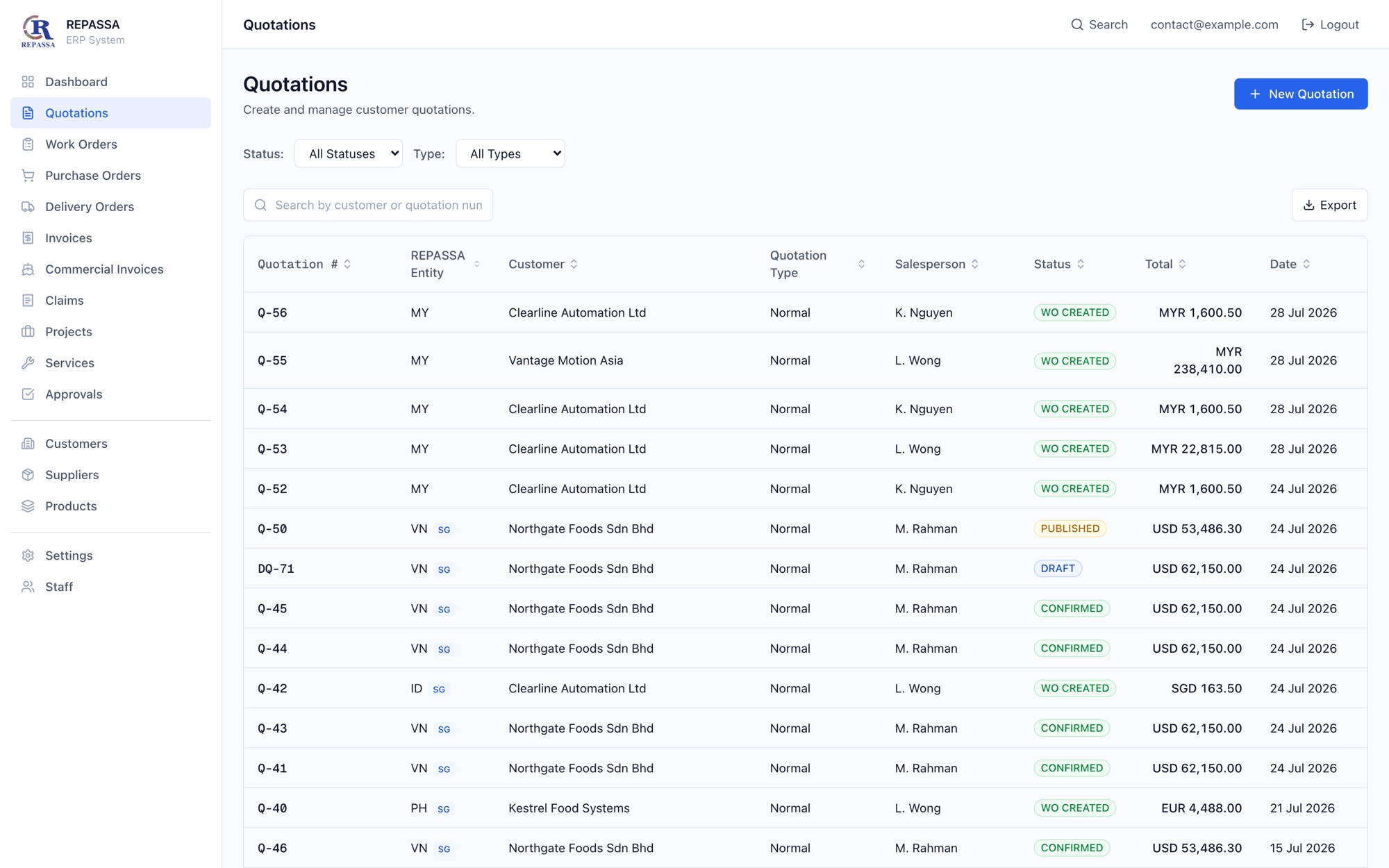
REPASSA ERP
Industrial Trading & Engineering
REPASSA is a Singapore industrial trading and engineering group, established in 1992, supplying hygienic equipment - sanitary hoses cut to order, fittings, pumps and consumables -…
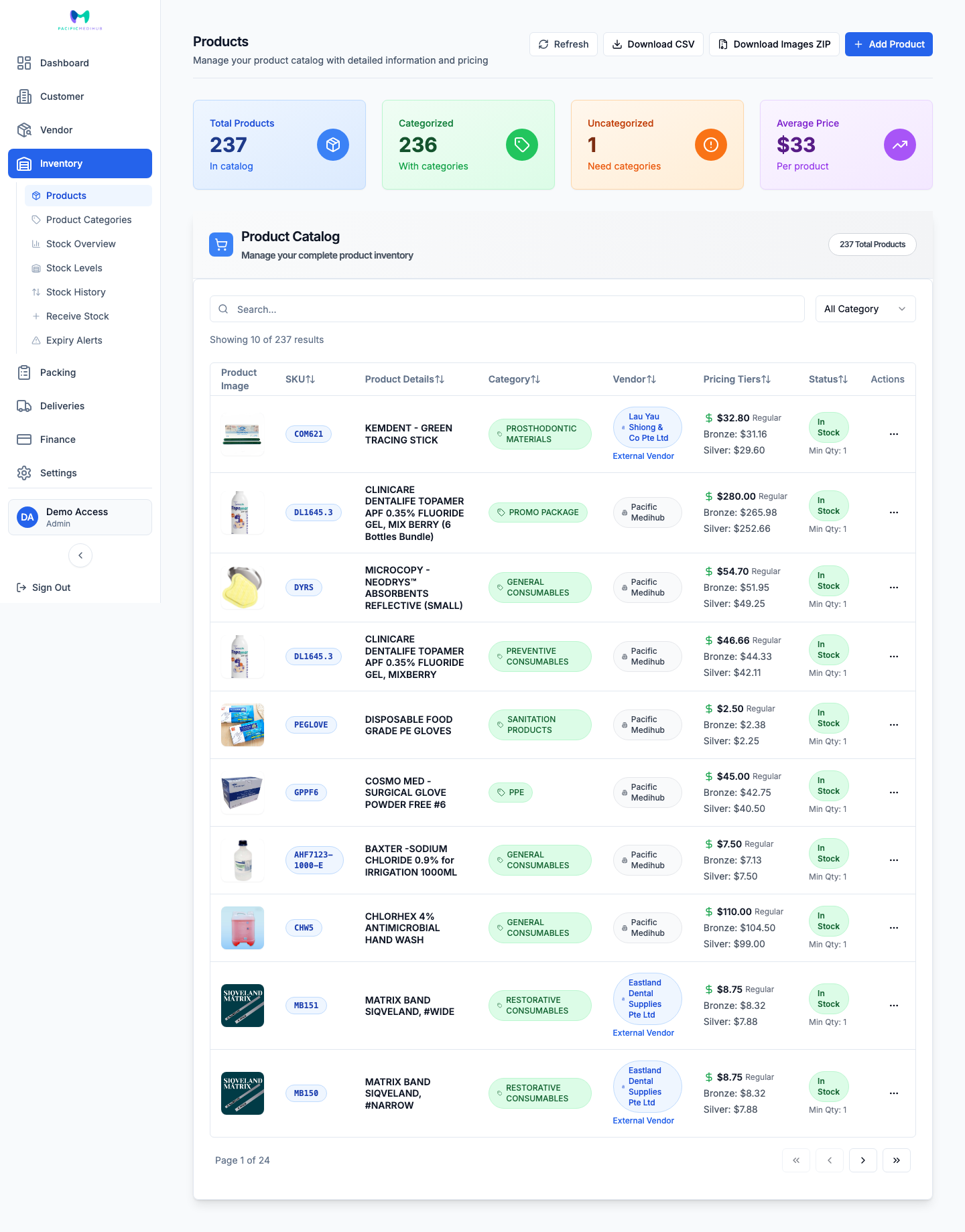
Pacific Medihub Singapore
Custom ERP
Pacific Medihub Singapore ( pm.sg ) is a B2B distributor of dental and medical supplies, selling to clinics and healthcare practices rather than to consumers. Like most wholesale…
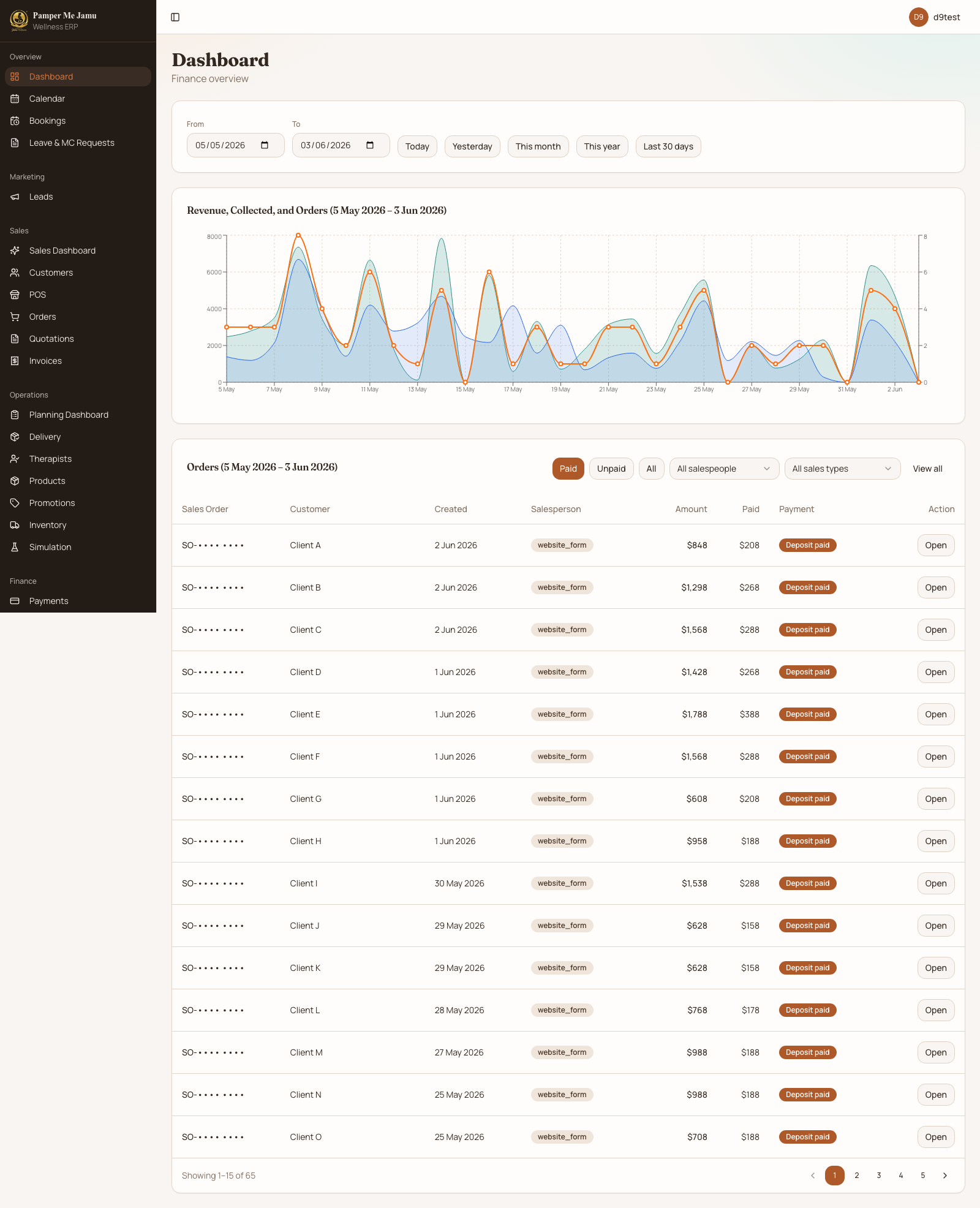
Pamper Me Jamu Wellness
Wellness & Home Services
Pamper Me Jamu Wellness is a Singapore pre- and post-natal wellness business offering traditional Balinese Jamu confinement massage. Every service is delivered as a home visit by…
Who we build for
Singapore SME teams that have outgrown spreadsheets, WhatsApp coordination, and software that never quite fits.

Service SMEs
Lead to delivery in one system
For service and project teams coordinating clients, appointments, approvals and billing.
Typical use cases:
- →Client onboarding → task routing, approvals, and progress tracking
- →Project delivery → internal workflows, reporting, and invoicing
- →Service requests → intake, scheduling, fulfillment, and follow-up
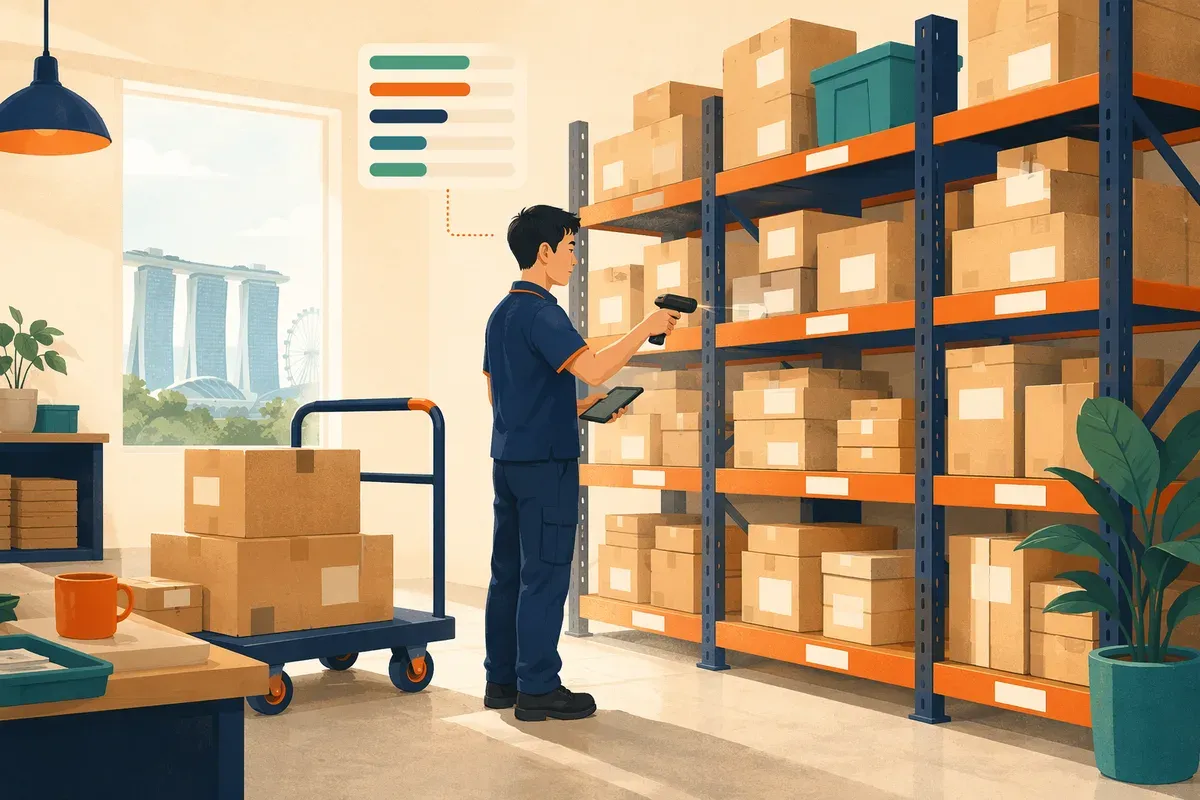
Operations-heavy SMEs
Replace fragmented tools and manual admin
For retailers, distributors and field teams managing purchasing, stock, dispatch and payments.
Typical use cases:
- →Purchasing → request, approval, vendor, and receiving flow
- →Inventory → stock visibility, movements, and replenishment logic
- →Field operations → scheduling, status updates, and invoice triggers
Modules we build, one workflow at a time:
ERPs we build by industry:
Built around the way you work
Fewer loose ends. A clearer day.
We map your process with your team, then turn it into software people can use every day.

A clear next step for every job
Connect requests, approvals, delivery and billing. Give each person a clear owner, status and action.
Information you enter once
Connect the tools you keep, so your team spends less time copying the same details between systems.
AI grounded in your business
Add automation and copilots where your data, permissions and approval rules can support them.
Software your team can take forward
Keep control of your code, cloud accounts and data, with documentation and a phased handover.
Try a sample approval flow
Purchase request
2 × compressor units
Ops team · needs your sign-off
Leave request
Fri 24 Jul, full day
Technician team · roster already covered
Vendor bill
Parts supplier — July
Matches the delivery order
How we build your ERP
A phased implementation model for teams that want structure, ownership, and a system people can actually use.
Discover
Map the real workflow, bottlenecks, edge cases, and people involved.
Outcome:
A clear operating model for what the system needs to support
Design
Turn the workflow into screens, permissions, rules, and integrations.
Outcome:
A practical ERP blueprint your team can review before build
Implement
Build the module, wire the integrations, and tighten the handoffs.
Outcome:
A working custom system for the chosen workflow
Roll out
Launch in stages, train the team, and plan the next module or AI layer.
Outcome:
A live operational workflow with adoption support and next steps
Most SMEs do not need a giant replacement project. They need the right module, implemented well, with room to grow into a fuller ERP and AI operating layer.
Send your current process through the ERP review form below.
Roll out safely. Keep control. Grow into AI.
Start with the process that needs attention. Keep the tools that work, help your team adopt the change, and add automation as you grow.
Phased rollout
Start with one workflow, get adoption, then expand into the next module when it is justified.
No vendor lock-in
Your ERP should belong to your business. We build with ownership and long-term flexibility in mind.
Your code and data
The cloud accounts, repositories, and business logic stay under your control from day one.
Keep the tools that still work and replace only the operational bottlenecks that are slowing the business down.
Roll out by workflow or department so the team can adapt without losing momentum.
Add AI copilots and agents once the approvals, data, and operating rules are clean enough to trust.
Prefer to brief us asynchronously? Use the ERP review form below.
Request an ERP workflow review
Tell us what slows your team down. We’ll review your process and recommend where to start. Only your name, email and workflow are required.
Frequently asked questions
What SME teams usually want to know before they commit to a custom ERP or workflow system.