WhatsApp ERP Integration in Singapore: What It Does and What to Check
From phone to system: how WhatsApp connects to your ERP
What an integration does, how Meta charges, and what to verify before you buy.
The 24-hour rule
Check before you buy
- Runs on Meta's official API, not unofficial automation tools
- Customer opt-in recorded, and honoured after opt-out
- PDPA consent and retention rules applied to numbers and chats
- Every conversation logged to the customer record
- The business, not a vendor or employee, owns the number
WhatsApp ERP integration is the link between your business WhatsApp number and the system that holds your customers, orders, quotations and invoices, so messages are sent by the system and replies land on the customer record. For a Singapore SME that already sells and serves on WhatsApp, it replaces copying details between a phone and a spreadsheet by hand.
This guide covers what it can do, the WhatsApp Business App versus the WhatsApp Business Platform, how Meta charges, and what to check first, including consent under Singapore's Personal Data Protection Act (PDPA).
Key takeaways
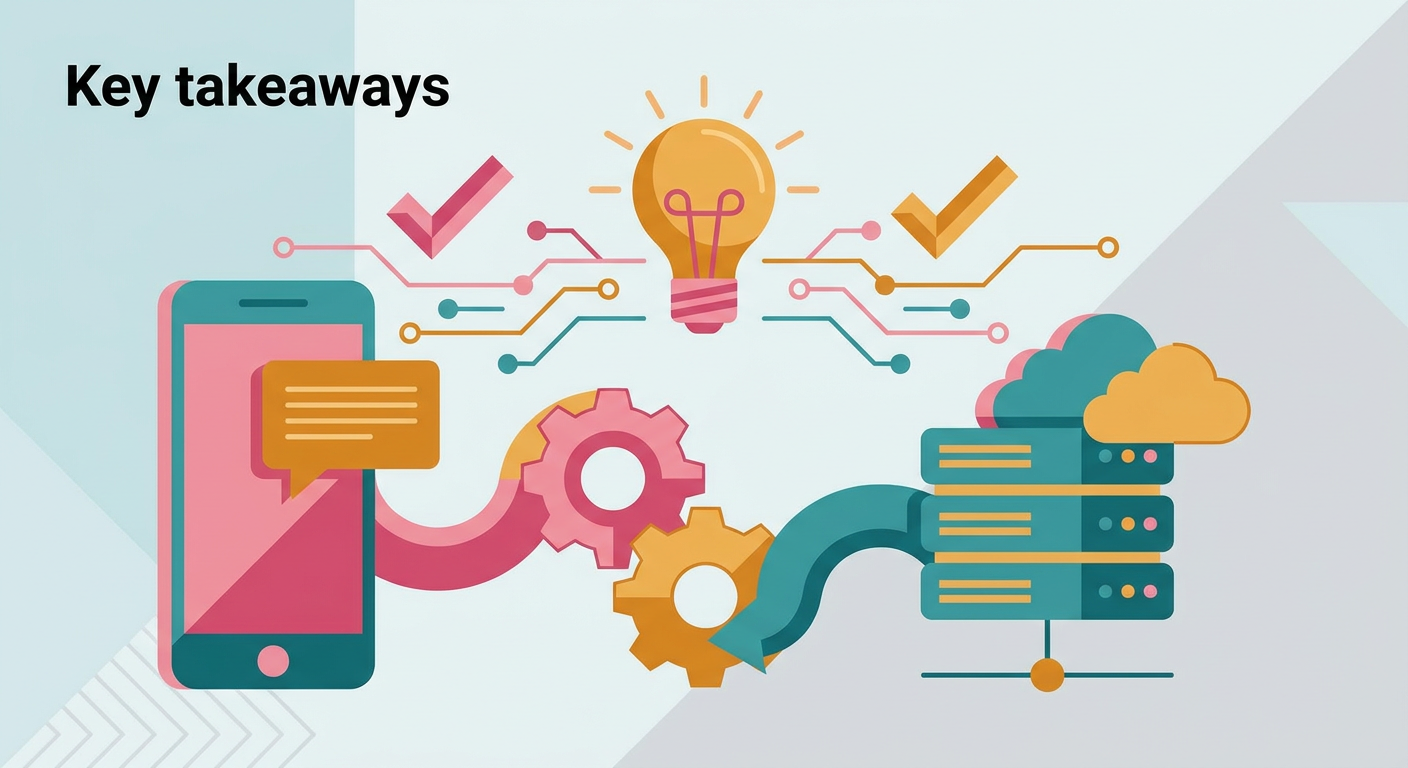
- A WhatsApp ERP integration lets your ERP or CRM send order updates, reminders and documents over WhatsApp and file every conversation against the customer.
- Automated sending from your own systems runs on Meta's WhatsApp Business Platform (Cloud API), not on the WhatsApp Business App on a phone.
- Messages sent outside an open 24-hour customer service window must use approved template messages, and Meta requires opt-in before you send message templates.
- Meta charges for delivered template messages, with pricing determined by message category and the recipient's market; non-template messages are free within an open customer service window, and messages from customers to you are not charged.
- Before you buy, check that the tool uses the official API, that the business owns the number, and that consent is recorded under the PDPA.
What does WhatsApp ERP integration actually mean?
It means your ERP and WhatsApp share one set of records. The system sends messages when something happens, such as an order shipping or an invoice falling due, and incoming chats are saved against the right customer. Staff stop retyping updates, and the history stays with the business instead of on someone's personal phone.
What can a WhatsApp ERP integration do for an SME?
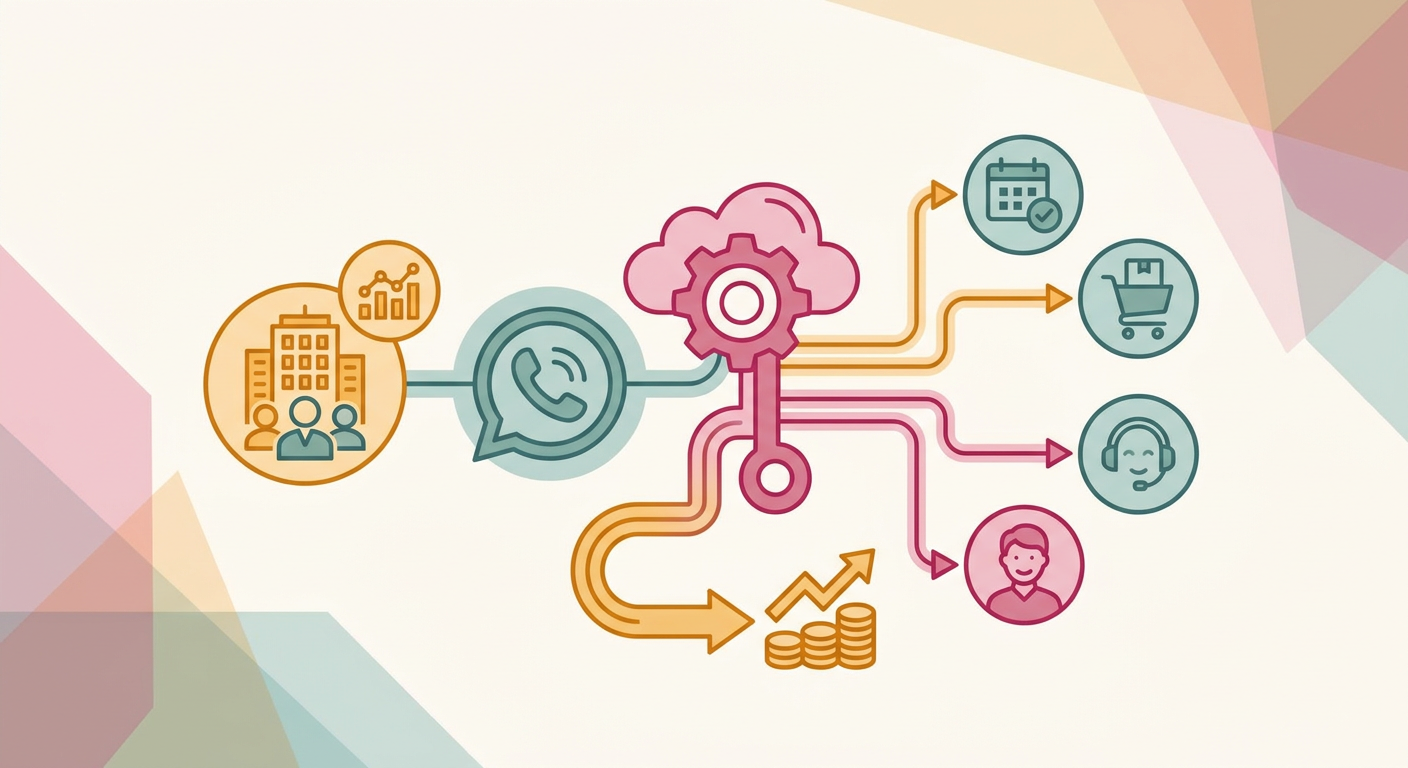
Most SMEs start with five jobs: sending order and delivery updates, sending quotations and invoices as documents, reminding customers about bookings or payments, capturing enquiries into the CRM, and routing internal approvals. Each one removes a manual step that someone on your team currently does on a phone.
- Order and delivery updates: the ERP sends a confirmation when an order is placed and an update when it ships.
- Quotations and invoices: a quotation or invoice PDF generated in the ERP goes out in the chat, with a payment link where your payment provider supports one.
- Reminders: booking, renewal and overdue payment reminders go out on schedule.
- Enquiries into the CRM: a new WhatsApp enquiry creates or updates a lead, and the right salesperson is alerted with the context.
- Approvals: a manager receives a discount or purchase request on WhatsApp, and the decision is written back to the ERP with an audit trail.
These are the flows our WhatsApp integration module is built around.
Meta lists similar uses for its platform, including sending "order confirmations and shipment updates", sharing "appointment availability and other reminders", and integrating "with popular back-end systems like CRM and marketing automation platforms" (WhatsApp Business Platform).
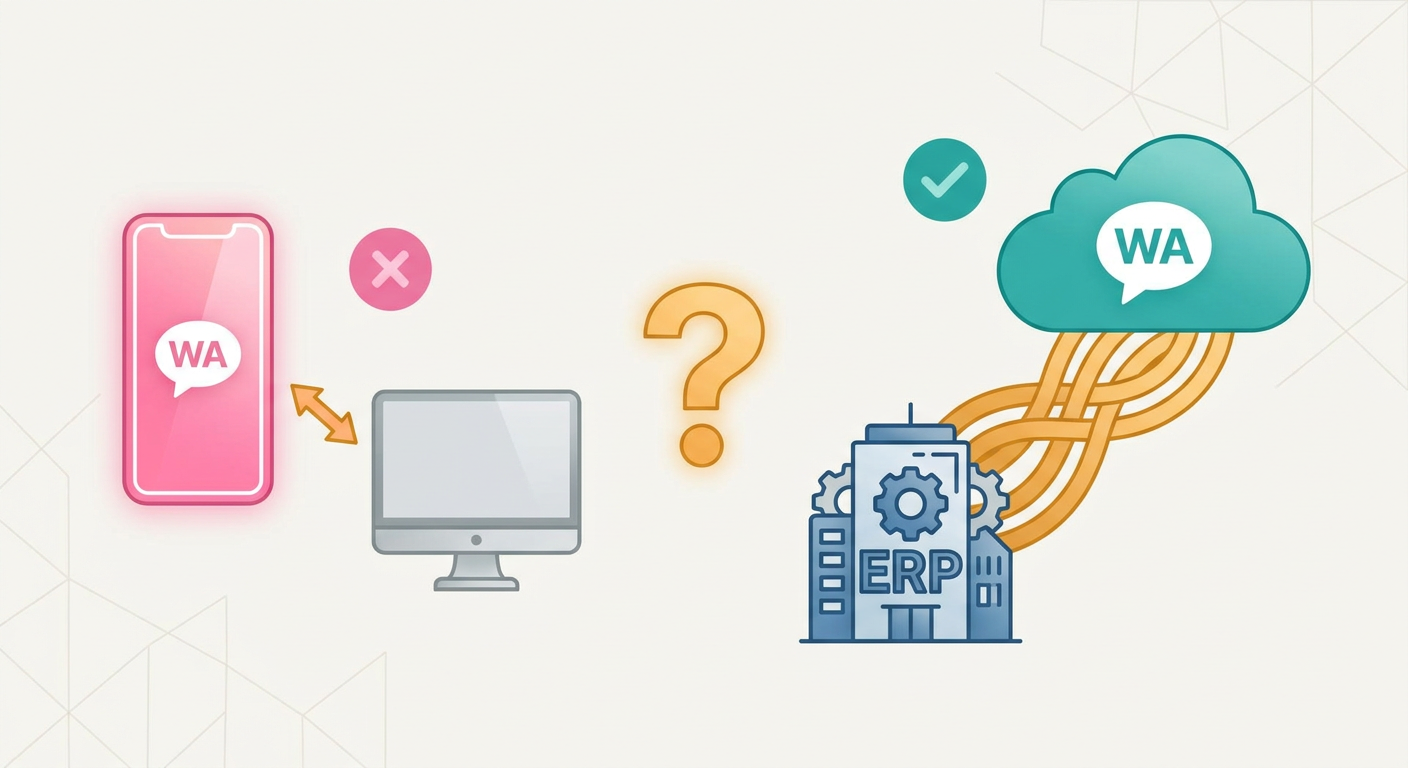
WhatsApp Business App vs WhatsApp Business Platform: which one connects to an ERP?
The Business Platform is the one built for system connections. Meta describes the WhatsApp Business App as "built with the small business owner in mind" for one-to-one chats on a phone. The Business Platform, through its Cloud API, lets software "programmatically message and call on WhatsApp", which is what an ERP needs.
| Point to compare | WhatsApp Business App | WhatsApp Business Platform (Cloud API) |
|---|---|---|
| Who it is for | Small business owners chatting with customers one to one | Businesses that message from their own systems |
| How messages are sent | By a person, from the app | By software, through the API, or by staff in a connected inbox |
| Starting a conversation | Typed by hand | Approved template messages |
| Link to ERP or CRM | Manual copying | Messages and replies written to the customer record |
| Cost | See Meta's product page | Delivered template messages are charged by category and market; non-template messages are free within an open customer service window |
Source: Meta for Developers: WhatsApp Business Platform Pricing
Meta's developer documentation explains that Cloud API "uses Graph API for sending messages and Webhooks for receiving events", which is how an ERP both sends updates and hears replies (Meta for Developers: Cloud API overview).
How do template messages and the 24-hour window work?
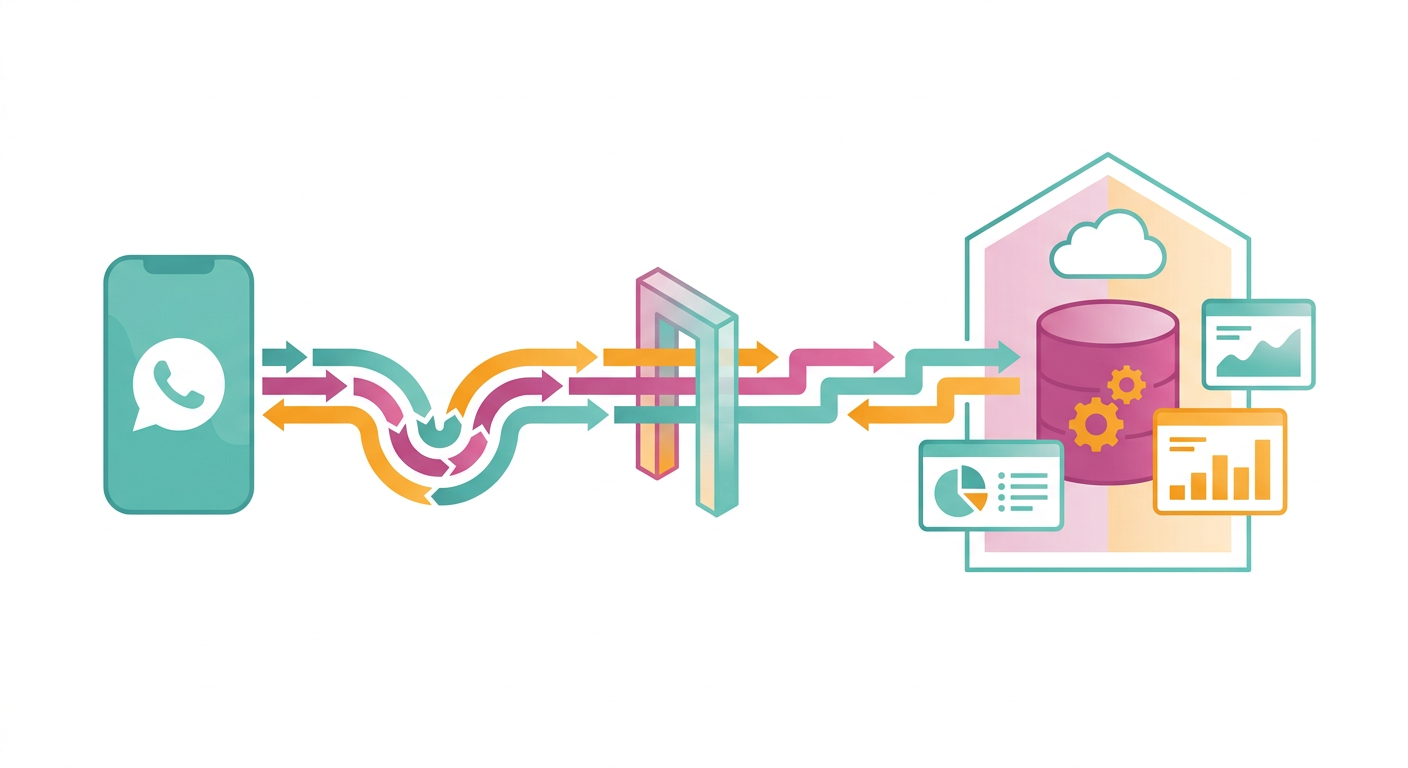
To send a message outside an open customer service window, your system must use a template message that Meta has approved. When a customer messages you, a 24-hour customer service window opens, and inside it you can reply with ordinary messages.
Meta says non-template messages can only be sent within an open customer service window, so reminders and updates sent outside that window need templates.
Source: Meta for Developers: WhatsApp Business Platform Pricing
Meta sorts templates into marketing, utility and authentication. Utility messages are "typically triggered by a user action, like placing an order or submitting a payment", which covers most order updates and invoice notices an ERP sends (WhatsApp Business Platform pricing). Meta's template guide adds that template messages are the only type of message that can be sent to WhatsApp users outside a customer service window (Template fundamentals).
How much does the WhatsApp Business Platform cost?
Meta charges for delivered template messages, with rates determined by message category and the recipient's market. Non-template messages are free within an open 24-hour customer service window, and messages sent by customers to businesses are not charged. Rates are published by Meta and can change, so check the live rate card for Singapore numbers before you budget.
Source: Meta for Developers: WhatsApp Business Platform Pricing
Meta's current pricing documentation states that businesses are charged when a template message is delivered, while non-template messages are free within an open customer service window and messages from users to businesses are not charged. Meta also provides each business phone number with 1,000 free delivered service messages per month; unused messages do not roll over, and charges begin with the 1,001st service message. These are Meta's message fees only; building the integration is a separate cost.
Source: Meta for Developers: WhatsApp Business Platform Pricing
What should you check before choosing a WhatsApp ERP integration?
Check five things: that it runs on Meta's official API, that templates and opt-in are handled properly, that PDPA consent is recorded, that every conversation is logged to the customer record, and that the business, not a vendor or an employee, owns the WhatsApp number. Each one protects either the number or your customer data.
Official API or unofficial tools?
Use the official WhatsApp Business Platform. Some tools automate a normal WhatsApp account by imitating a phone or a browser session.
Meta's policy states that if you use a service that breaks its terms, "such as messaging people at scale in an unauthorized manner", it can "limit or remove your access to WhatsApp for Business" (WhatsApp Business Messaging Policy).
Is opt-in required before you message customers?
Yes. Meta's policy says you may contact people only if they have given you their number and you have "received opt-in permission from the recipient confirming that they wish to receive subsequent messages or calls from you." The opt-in must name your business and make clear that the person is opting in.
Meta's guidance also suggests separate opt-in for different message categories, such as order updates and offers, and clear ways to opt out (Get opt-in for WhatsApp). Your ERP should record each opt-in and stop sending after an opt-out.
How does the PDPA apply to WhatsApp messages?
Phone numbers and chat content are personal data. The PDPC's Consent Obligation says to "only collect, use or disclose personal data for purposes which an individual has given his/her consent to", and to allow the individual "to withdraw consent, with reasonable notice". An integration should record that consent alongside the contact.
The PDPC's Retention Limitation Obligation also asks organisations to "cease retention of personal data or dispose of it in a proper manner when it is no longer needed for any business or legal purpose" (PDPC: Data Protection Obligations). Logging chats into the ERP puts that data in one place, with one retention rule, instead of on many phones.
Who owns the WhatsApp number and the chat history?
The business should. Register the number and the Meta business account in the company's name, with more than one administrator, and make sure conversations are stored in your own ERP or CRM. If a vendor or a single employee controls the account, leaving that vendor or losing that employee can mean losing the channel.
How Digital 9 Labs connects WhatsApp to your ERP
Digital 9 Labs builds the WhatsApp integration module into custom ERP and CRM systems for Singapore SMEs. Where automation is involved, it is built on the official WhatsApp Business Platform, with flows designed to protect your number and sender reputation.
The module covers the jobs described above:
- Instant lead alerts: website and form leads reach the right person's WhatsApp within a minute, with context.
- Automated updates: order status, booking reminders and payment confirmations sent by the system at the right moments.
- Conversation on the record: chats logged against the customer in your CRM, searchable and owned by the business.
- Team inbox and routing: one business number, routed to the right staff, with handover visible.
- Approval-gated broadcasts: segmented announcements with human approval before anything sends.
- Rich actions: payment links, booking links and documents delivered in the chat.
The work starts by mapping how your team uses WhatsApp today, ships a first version wired to your real data, then extends into your custom ERP. You own everything that is built. The WhatsApp module is usually added to a CRM or ERP build, and standalone integrations start from $3.5k depending on the flows. For the wider picture, read our guides on what to check before moving to a cloud ERP in Singapore and what custom software costs in Singapore.
If your sales, orders or customer service already run on WhatsApp, tell us which workflows you want connected and we will review them with you.
Frequently asked questions
Can I connect the WhatsApp Business App to my ERP?
For automated sending and logging from your own systems, use the WhatsApp Business Platform. Its Cloud API lets software send messages and receive replies through webhooks. The Business App is designed for people chatting one to one from the app.
Do I need customer consent to send order updates on WhatsApp?
Yes. Meta requires opt-in that names your business before you send message templates, and the PDPA requires consent for the purposes you use personal data for. Record both in the customer record and honour opt-outs.
Does Meta charge when customers message my business?
No. Meta does not charge for messages sent by users to businesses. It charges for delivered template messages from businesses to users, subject to the applicable category and market rates. Each business number also gets 1,000 free service messages a month; unused messages do not roll over.
What happens to chat history when a staff member leaves?
With an integration, conversations are stored against the customer in your ERP or CRM, so the history stays with the business. Without one, it often stays on the staff member's phone.
Written by Samuel Chan, Founder, Digital 9 Labs.