Cloud ERP in Singapore: What SMEs Should Check Before Moving
Cloud ERP Singapore
Five checks before you sign
Choosing a cloud ERP is less about the word cloud and more about who controls the data, the code and the exit.
Which country and cloud region holds your records, and whether you can choose.
How often, how far back, and when a restore was last tested.
Own logins, role-based permissions, and an audit trail of changes.
InvoiceNow, accounting software such as Xero, and WhatsApp.
Export format, code ownership, and whose name the hosting account is in.
Subscribe (SaaS)
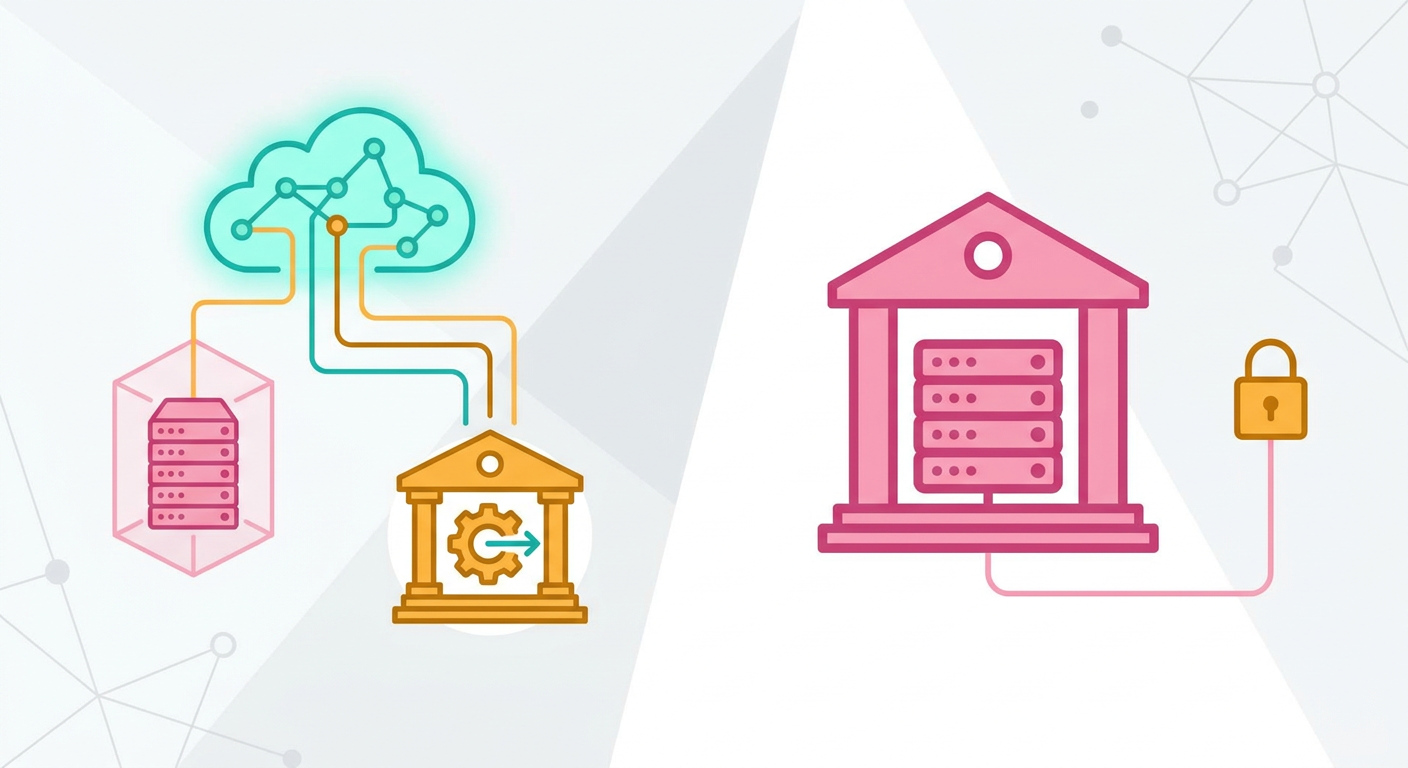
Low upfront cost, recurring fee, vendor controls the code and roadmap. You adapt to the product.
Own the code
Build fee then hosting, built around your workflow. You decide what gets built next. Compare multi-year totals, not the first invoice.
Enterprise Singapore's EDGE Grant, Integrated ERP activity. Do not start work or pay a deposit before applying.
PDPA: overseas transfer of personal data is permitted only under prescribed requirements giving protection comparable to the PDPA. Many SMEs ask for Singapore-region hosting so the question does not arise.
Cloud ERP is enterprise resource planning software that runs on internet-hosted servers instead of a machine in your office, so your team opens it in a browser and logs in from wherever they work. For a Singapore SME, choosing a cloud ERP is less about the word "cloud" and more about who controls the data, the code and the exit.
This guide explains the two common forms of cloud ERP, how they compare with an on-premise server, and what to settle before you sign.
Key takeaways
- Cloud ERP comes in two main forms: a subscription (SaaS) product you rent, or a custom system built for you and hosted on cloud infrastructure.
- The PDPA permits overseas transfers only when the prescribed requirements are met and the transferred personal data receives protection comparable to that under the PDPA.
- Check five things with any vendor: data location, backups and restores, access control, integrations such as InvoiceNow and Xero, and how you get your data out.
- Subscription keeps upfront cost low; owned code keeps control. Compare the total over several years, not the first invoice.
- The EDGE Grant's Integrated ERP activity offers SMEs up to 50% support, up to S$30,000.
What does cloud ERP mean for a Singapore SME?
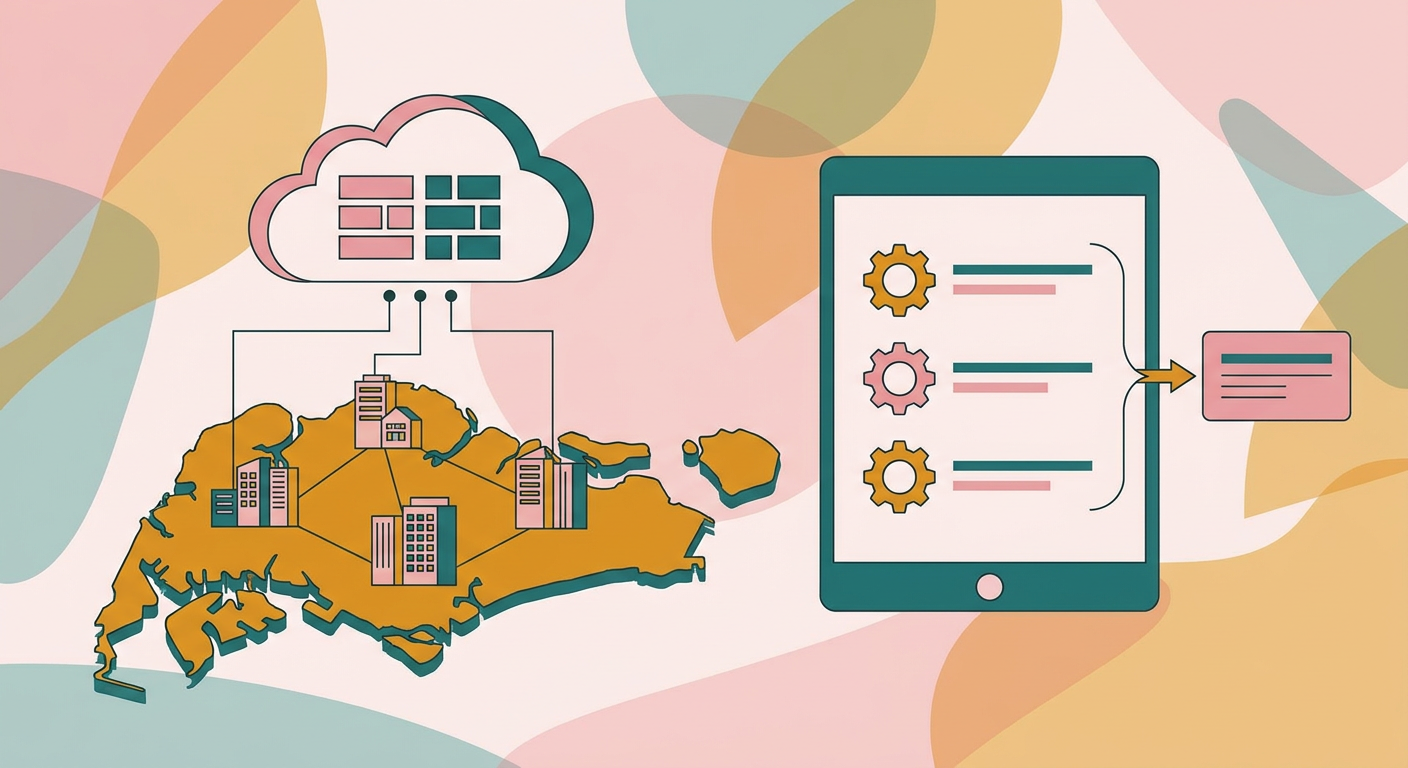
For an SME, cloud ERP means one shared system for sales, stock, billing and operations that staff reach through a web address. Nothing is installed on office PCs, and nobody in the company has to patch a server. The real decision is whether you rent a standard product or own a system built around your workflow.
The two forms look similar on screen but differ in who owns what:
| SaaS cloud ERP (subscription) | Hosted custom build | On-premise ERP | |
|---|---|---|---|
| Where it runs | The vendor's cloud | Cloud infrastructure, ideally in accounts you hold | A server in your office |
| How you pay | Recurring fee, often per user | Build fee, then hosting and optional support | Licences, hardware and IT support time |
| Workflow fit | You adapt to the product | Built around how you already work | Depends on the software |
| Who controls the code | The vendor | Depends on the contract; ask | The vendor, usually |
| Who maintains the hardware | The vendor | The cloud provider | You |
A standard product suits a business whose processes match it closely; a custom build suits one whose quoting, job costing or approvals do not fit a template. Our page on cloud ERP in Singapore shows how the hosted custom route works in practice.
Is cloud ERP better than on-premise?
For most SMEs without an in-house IT team, yes, because the hardware, patching and remote access problems move to a provider. On-premise still makes sense where an operation must keep running through internet outages, or where a regulator or customer contract demands it. Decide by workload, not by habit.
With an office server, staff on site or at home need a VPN or remote desktop, upgrades get postponed because they are disruptive, and backups depend on someone remembering to check them. With a cloud system, a director can approve a quote from home, and access is removed in one step when someone leaves. Cloud does not fix a poor workflow, weak permissions or a contract that holds your data hostage.
What should you check before choosing a cloud ERP?
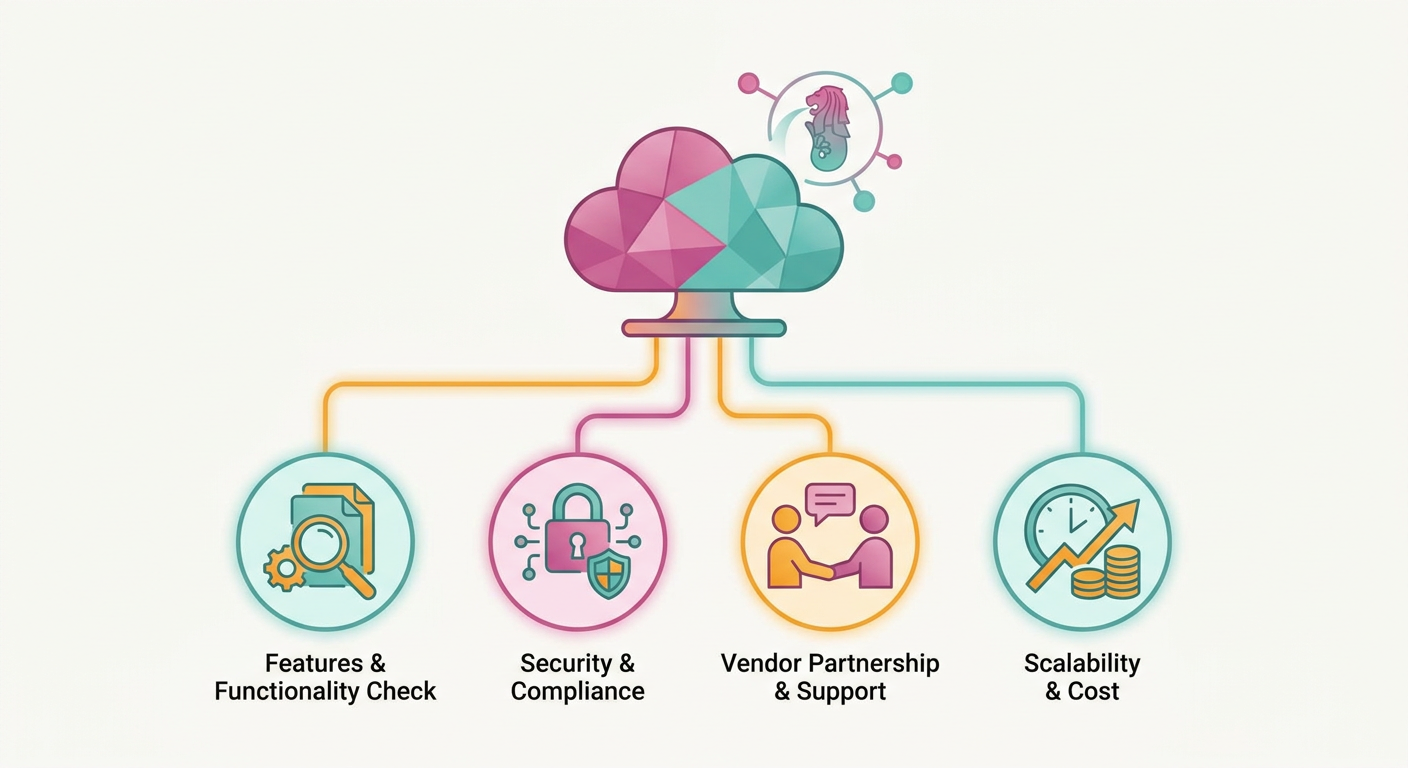
Check five things in writing: where the data is stored, how backups are taken and restored, how access is controlled, which systems it connects to, and how you leave with your data. Clear answers before the contract are a good sign.
1. Where the data lives, and what the PDPA says
Ask which country and which cloud region will hold your records, and whether you can choose. The Personal Data Protection Commission states that an organisation must not transfer personal data outside Singapore except in accordance with prescribed requirements ensuring a standard of protection comparable to that under the PDPA. (PDPC, Data Protection Obligations)
So overseas hosting is possible, but the duty to check it stays with you. Many SMEs simply ask for Singapore-region hosting so the question does not arise. The same PDPC guidance requires reasonable security arrangements to protect personal data against unauthorised access, collection, use, disclosure and similar risks.
Source: Personal Data Protection Commission, The Transfer Limitation Obligation
2. Backups, and whether a restore has been tested
Ask how often the database is backed up, how far back you can recover, and when a restore was last tested. A backup that has never been restored is an assumption. Ask how long a full recovery takes.
3. Access control and audit trails
Each person should have their own login, see only what their role needs, and leave a record of what they changed. Shared passwords on a common account make it hard to meet the Protection Obligation above and impossible to tell who altered an invoice.
4. Integrations: InvoiceNow, Xero and WhatsApp
List the systems the ERP must connect to before comparing vendors. Three come up often:
- InvoiceNow. IRAS states that GST-registered businesses must submit invoice data to IRAS using InvoiceNow-Ready Solutions, with implementation rolled out in phases. For businesses with an in-house system, IRAS's first step is to contact an IMDA-accredited Access Point Provider (IRAS, GST InvoiceNow Requirement). Ask how the ERP will reach that network. Our InvoiceNow guide covers the phased dates.
- Accounting software such as Xero. Many SMEs keep their accounting package and let the ERP feed it. Ask whether the link is a live API sync or a manual export.
- WhatsApp. If customers already order or confirm by WhatsApp, ask whether those messages can create or update records instead of being retyped.
5. Exit and data ownership
Ask how you get all of your data out, in what format, and what happens to it if you stop paying. Ask who owns the code if the system was built for you, and whose name the hosting account is in. A system you cannot export from is a system you cannot leave.
Is a subscription or owned code cheaper over time?
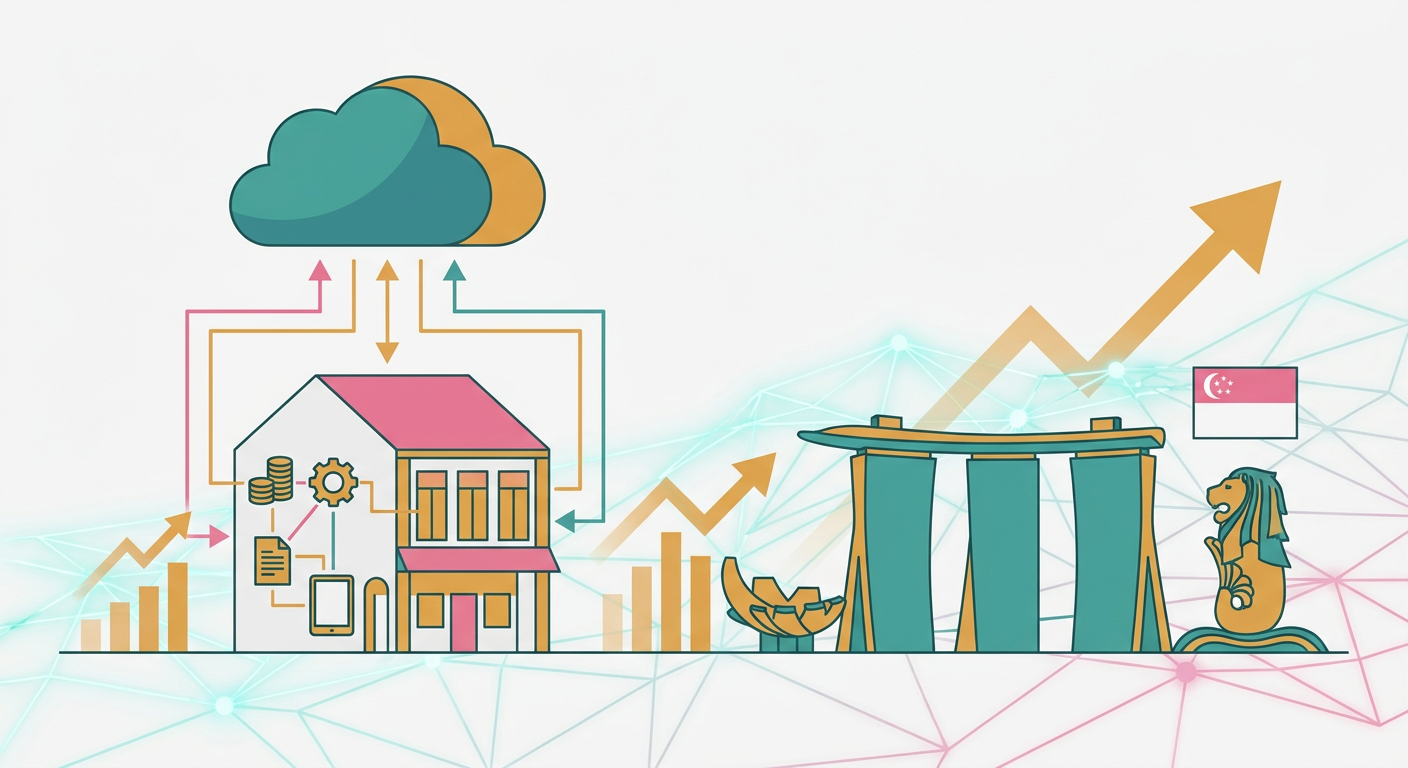
It depends on headcount, how long you keep the system and how much it must change. A subscription spreads cost and suits standard processes. Owned code costs more upfront but does not grow with every new user, and changes are paid for once. Compare the total over several years, including support.
The trade-off goes beyond price. With a subscription, the vendor decides the roadmap, and features you need may sit in a higher tier. With owned code, you decide what gets built next, and any competent developer can continue the work if the original builder steps away. Ask for documentation and repository access from the start. For a closer look at the two routes, see Odoo vs custom ERP for Singapore SMEs.
How should you evaluate a cloud ERP vendor?
Start from your own workflow, not the vendor's demo. Map one real order from enquiry to payment, then ask each vendor to show that exact path with your data. Score them on fit, the five checks above, and the written answers you receive, and compare multi-year totals side by side.
- Write down the workflow. Follow one real job end to end and note every handoff and every place data is retyped.
- Send the same brief to each vendor. Include your user count, integrations and the five checks above.
- Ask for a working demonstration on your process, not a generic tour.
- Get the answers in writing: data region, backup and restore, access control, export format, code and account ownership.
- Compare the total cost over several years, including support, hosting and the cost of changes.
- Plan the move: clean the data before import and run old and new side by side for one cycle before switching.
Can a grant help pay for a cloud ERP?
Possibly. Enterprise Singapore's EDGE Grant has an Integrated ERP activity offering up to 50% support for SMEs, capped at S$30,000, and up to 30% support for non-SMEs, capped at S$18,000. The solution must include at least three functions, and you must not have started work or paid a deposit before applying. Confirm eligibility with Enterprise Singapore.
The same Enterprise Singapore page states that the cost of this activity is capped at S$60,000, and that you may choose a pre-approved package or engage other vendors if the required functions are not available. EDGE replaced the EDG and PSG schemes for new applications from 30 September 2026.
Source: Enterprise Singapore, Integrated Enterprise Resource Planning
How Digital 9 Labs approaches cloud ERP
Digital 9 Labs builds custom ERP on cloud infrastructure for Singapore SMEs, from $3.5k onwards. On the points in this guide, our cloud ERP Singapore page sets out what we build in:
- Data location: we can deploy with Singapore-region data residency where your requirements call for it.
- Backups: databases are backed up on a schedule with point-in-time recovery.
- Access: each staff member has their own login and role-based permissions, with an audit trail of who changed what.
- Integrations: we integrate with Xero and other existing tools, and have built an e-invoicing web app that produces Peppol-format invoices for InvoiceNow.
- Ownership: on a custom ERP build, you own the code, the data and the hosting accounts, so any competent developer can continue it.
If you would rather subscribe than build, we also offer Qweaver, an AI-native ERP on subscription with no build phase. To see which route fits your business, start with a workflow review on our cloud ERP page.
Frequently asked questions
Is cloud ERP allowed under Singapore's PDPA?
Yes, with care. PDPC's obligations do not rule out cloud hosting, but personal data sent overseas must meet a standard of protection comparable to the PDPA, and you must make reasonable security arrangements to protect it. Many SMEs choose Singapore-region hosting to keep the question simple.
What is the difference between SaaS ERP and a hosted custom ERP?
SaaS ERP is a standard product you rent, usually per user, and the vendor controls the code. A hosted custom ERP is built around your workflow and runs on cloud infrastructure; depending on the contract, you can own the code, the data and the hosting accounts.
Does my cloud ERP need to support InvoiceNow?
If you are GST-registered, IRAS requires invoice data to be submitted using InvoiceNow-Ready Solutions, with implementation rolled out in phases. Businesses with an in-house system connect through an IMDA-accredited Access Point Provider. Ask any vendor how their system reaches that network.
Can the EDGE Grant fund a cloud ERP?
The EDGE Integrated ERP activity offers SMEs up to 50% support, capped at S$30,000, for a solution with at least three functions. Do not start work or pay a deposit before applying, and confirm eligibility with Enterprise Singapore.